ERP System: Boosting Business Efficiency and Driving Growth | Geodata

Introduction
An ERP system is one of the most powerful investments a growing business can make. In today’s fast-paced business environment, companies need to operate as efficiently as possible to stay competitive — and traditional methods of managing data across disconnected spreadsheets, siloed departments, and paper-based systems simply cannot keep pace with modern operational demands.
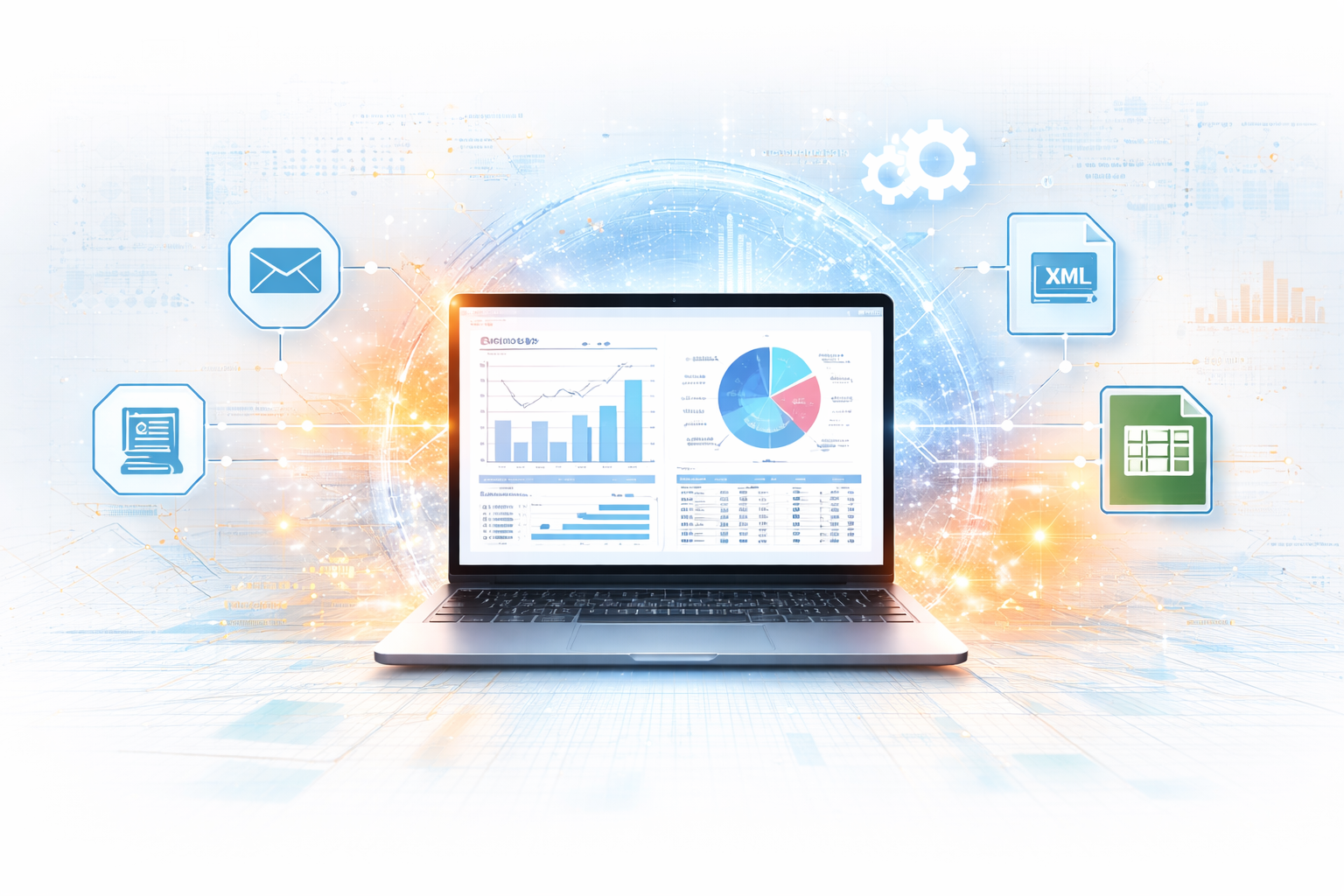
Enterprise Resource Planning (ERP) software integrates a company’s different departments and processes into a single, unified system — enabling streamlined communication, real-time visibility, and greater operational efficiency across the entire organization. Whether you are a small business owner or the leader of a large enterprise, ERP is a strategic tool that helps companies become more agile, adaptable, and responsive to changing market conditions.
In this guide, we explore what an ERP system is, the key benefits it delivers, the features to look for, how to approach implementation successfully, and the leading ERP platforms available in the market today.
What Is an ERP System?
An ERP system is a software platform designed to integrate all of a company’s core business processes into a single, unified system. Rather than managing finance, inventory, HR, sales, and customer data in separate tools, an ERP brings all of these functions together — allowing information to flow freely across departments and giving every team access to the same accurate, real-time data.
A modern ERP system typically includes modules for inventory management, order processing, accounting, human resources, supply chain management, and customer relationship management (CRM). By centralizing these functions, businesses achieve greater efficiency, reduce manual effort, and make better decisions based on consistent, up-to-date information.
ERP systems are highly customizable, allowing businesses to tailor the software to their specific needs — which means organizations of all sizes and across all industries can benefit from implementing one. The key advantage is real-time visibility: managers can quickly identify issues, track performance, and make informed decisions without waiting for manual reports or chasing data across multiple systems.
Key Benefits of Implementing an ERP System
Implementing an ERP system brings measurable benefits across every area of the business. Here are the most significant advantages organizations consistently report:
- Increased Efficiency — With all business processes integrated into a single system, ERP streamlines workflows, reduces redundancies, and eliminates manual data entry. This leads to significant time savings and increased productivity across every department.
- Improved Decision-Making — Real-time access to accurate, consistent data enables managers to make more informed decisions faster. Organizations can respond quickly to market changes, identify new opportunities, and avoid potential risks before they escalate.
- Streamlined Processes — ERP standardizes processes across departments, reducing the likelihood of errors and ensuring consistency. This creates a more efficient and effective organization that operates from shared rules and workflows rather than individual workarounds.
- Better Customer Service — By integrating customer information directly into the system, ERP enables more personalized and responsive customer service. Teams have instant access to order history, service records, and account details — improving both satisfaction and loyalty.
- Cost Savings — ERP reduces costs by minimizing manual labor, eliminating redundant processes, and improving inventory management and procurement efficiency. These savings compound significantly over time as the system matures and adoption deepens across the organization.
Overall, an ERP system helps businesses become more efficient, effective, and profitable — giving them a genuine competitive edge in today’s demanding market environment.
Key Features to Look for in an ERP System
When selecting an ERP system, it is important to evaluate platforms based on the specific needs of your business. However, these six core features should be present in any ERP solution you consider:
- Integration — The ERP should integrate all core business functions — finance, accounting, HR, inventory, supply chain, and customer management — into a single unified system that eliminates data silos and manual reconciliation.
- Scalability — As your business grows, your ERP should grow with it. A scalable platform adapts to increasing transaction volumes, expanding product catalogs, additional users, and new business entities without requiring a platform change.
- Customization — No two businesses are identical. Your ERP should be configurable to match your specific workflows, reporting requirements, and industry needs — without extensive custom coding that creates upgrade risk.
- Security — Enterprise data requires enterprise-grade protection. Look for role-based access controls, data encryption, user authentication, and comprehensive audit trails to protect sensitive business information.
- Mobile Access — Modern workforces need access to business data from anywhere. Your ERP should provide secure mobile access to key functions, enabling employees to stay informed and productive regardless of location.
- Reporting and Analytics — Robust reporting and analytics capabilities allow managers to track KPIs, identify trends, and make data-driven decisions. Look for platforms with built-in dashboards, real-time reporting, and integration with tools like Power BI for advanced analytics.
Key Considerations for ERP Implementation
While an ERP system delivers significant benefits, implementation is a complex process that requires careful planning. Here are the five most important considerations to keep in mind:
- Set Clear Goals — Define specific goals and measurable outcomes before any implementation begins. Clear objectives ensure the system is configured to meet your actual business priorities and give you a benchmark for measuring success post-go-live.
- Involve Stakeholders Early — ERP implementation affects every department. Involving stakeholders from finance, operations, sales, HR, and IT early in the process ensures that everyone’s requirements are captured, adoption is stronger, and resistance to change is minimized.
- Choose the Right Platform — Evaluate ERP platforms based on total cost of ownership, scalability, customization capabilities, industry fit, and the quality of vendor support. The right platform for a manufacturer looks different from the right platform for a services business or retailer.
- Invest in Training — ERP implementation requires significant changes to workflows and daily processes. Comprehensive training for all users — not just power users — is essential for a smooth transition and sustained adoption. Undertrained teams undermine even the best implementations.
- Monitor and Continuously Improve — Go-live is not the finish line. Monitor system performance, track KPIs, and collect user feedback continuously after implementation. Identifying areas for improvement early ensures the system delivers its full intended value as the organization evolves.
Top ERP Systems in the Market
There are several leading ERP platforms available today, each with distinct strengths suited to different business sizes, industries, and requirements:
Microsoft Dynamics 365
Microsoft Dynamics 365 is Geodata’s recommended ERP platform for businesses of all sizes. It offers comprehensive modules for finance and accounting, supply chain management, HR, CRM, and more — all within a cloud-based platform known for its ease of use, flexibility, and deep integration with the broader Microsoft ecosystem including Office 365, Teams, and Power BI. As a certified Microsoft Dynamics 365 partner, Geodata provides end-to-end implementation, optimization, and support services for organizations running Dynamics 365.
SAP ERP
SAP ERP is one of the most widely used enterprise resource planning systems globally, offering a comprehensive range of modules for large enterprises. It is known for its scalability, flexibility, and advanced analytics capabilities — making it a strong choice for complex, multi-entity organizations with sophisticated process requirements.
Oracle ERP Cloud
Oracle ERP Cloud is a cloud-based platform offering modules for financials, procurement, project management, and risk management. It is recognized for its modern interface, advanced security architecture, and robust reporting and analytics capabilities — particularly well-suited to large enterprises with complex financial reporting requirements.
NetSuite ERP
NetSuite ERP is a cloud-based platform particularly popular with mid-sized and fast-growing businesses. Its modules cover finance, supply chain, e-commerce, and more — with strong scalability, flexible configuration, and a well-established ecosystem of partners and integrations.
Sage ERP
Sage ERP offers finance, supply chain, and production management modules with a customizable interface and strong reporting capabilities. It integrates well with other Sage products and is commonly used by small to mid-sized businesses looking for a cost-effective ERP solution.
Epicor ERP
Epicor ERP is a comprehensive platform with strong industry-specific functionality, particularly for manufacturing and distribution businesses. Its modules cover finance, supply chain, and production management with advanced analytics and a modern user interface.
Each ERP platform has unique strengths — the right choice depends on your industry, company size, budget, and specific operational requirements. Geodata recommends Microsoft Dynamics 365 for most organizations due to its breadth of functionality, cloud-first architecture, and seamless integration with the Microsoft tools most businesses already use.
Frequently Asked Questions
1. What does ERP stand for and what does it do?
ERP stands for Enterprise Resource Planning. An ERP system is a software platform that integrates all core business functions — including finance, inventory, HR, supply chain, and customer management — into a single unified system. It gives every department access to the same real-time data, eliminates manual data entry, reduces process duplication, and enables better decision-making across the organization.
2. How long does an ERP implementation take?
ERP implementation timelines vary significantly based on company size, the complexity of existing processes, and the number of modules being deployed. A small to mid-sized business implementing a focused set of modules can go live in 3–6 months. Larger enterprise implementations with multiple legal entities, complex integrations, and data migration requirements typically take 9–18 months. A phased approach — going live with core modules first and adding complexity over time — is generally recommended to manage risk.
3. What is the difference between cloud ERP and on-premises ERP?
Cloud ERP is hosted and maintained by the vendor, accessed via the internet, and updated automatically — reducing IT infrastructure requirements and ensuring organizations always run the latest version. On-premises ERP is installed on the company’s own servers, giving more direct control over the environment but requiring internal IT resources for maintenance, updates, and security management. Most modern ERP implementations — including Microsoft Dynamics 365 — are cloud-first.
4. How much does an ERP system cost?
ERP costs vary widely depending on the platform, number of users, modules selected, and implementation complexity. Cloud ERP platforms typically charge per user per month — ranging from $50 to $300+ per user depending on the platform and license tier. Implementation costs — covering configuration, data migration, training, and go-live support — are typically 1–3x the annual software cost. Total cost of ownership should always be evaluated over a 3–5 year horizon.
5. Why is Microsoft Dynamics 365 recommended for most businesses?
Microsoft Dynamics 365 offers a compelling combination of breadth, flexibility, and familiarity. Its deep integration with Microsoft 365, Teams, Power BI, and Azure makes it a natural fit for organizations already using Microsoft tools. It covers finance, supply chain, HR, sales, and customer service within a single platform — and its cloud-first architecture ensures automatic updates, strong security, and global scalability. As a certified Microsoft partner, Geodata can implement and optimize Dynamics 365 for organizations across industries.
6. How can Geodata help with ERP implementation?
Geodata is a certified Microsoft Dynamics 365 implementation partner with deep expertise in ERP deployment, optimization, and managed support. Our team helps organizations assess their requirements, select the right modules, migrate existing data, configure workflows, train users, and provide ongoing support post go-live. Learn more through our Microsoft Dynamics 365 Finance services and client case studies.
Conclusion
An ERP system is not just a software investment — it is a strategic decision that shapes how efficiently and effectively your entire organization operates. By integrating all core business processes into a single platform, ERP eliminates data silos, improves decision-making, reduces costs, and creates the operational foundation needed to scale confidently.
Whether you are evaluating ERP for the first time or looking to modernize an existing implementation, choosing the right platform and the right implementation partner are the two decisions that matter most. Geodata’s team of certified Microsoft Dynamics 365 experts is here to guide you through both.
Learn more about how Geodata supports ERP implementations through our Microsoft Dynamics 365 Finance services, Power BI analytics solutions, and client case studies.
Explore our blogs and resources for more insights on ERP, digital transformation, and Microsoft Dynamics 365.
Ready to implement an ERP system that transforms your business operations? Connect with Geodata today and let our certified experts guide your ERP journey from selection through go-live and beyond.